For partners
Put a real question in front of people who will work on it.
Post the questions your organisation is actually working on. Teams choose one, build an answer over the rounds of a programme, and you read what they made.
What you do here
01
Post your challenges
One at a time, or a whole list from a spreadsheet. Each one is marked Tech or Business.
02
Teams choose
Participants pick a challenge and work on it in small teams, round by round.
03
Read the answers
What teams submit on your challenges comes to you once it has been assigned to you.
04
Meet the shortlist
For a shortlisted team you see each member's name, institution, programme, bio and LinkedIn link.
How it looks inside
From posting a challenge to seeing who stood out.
01
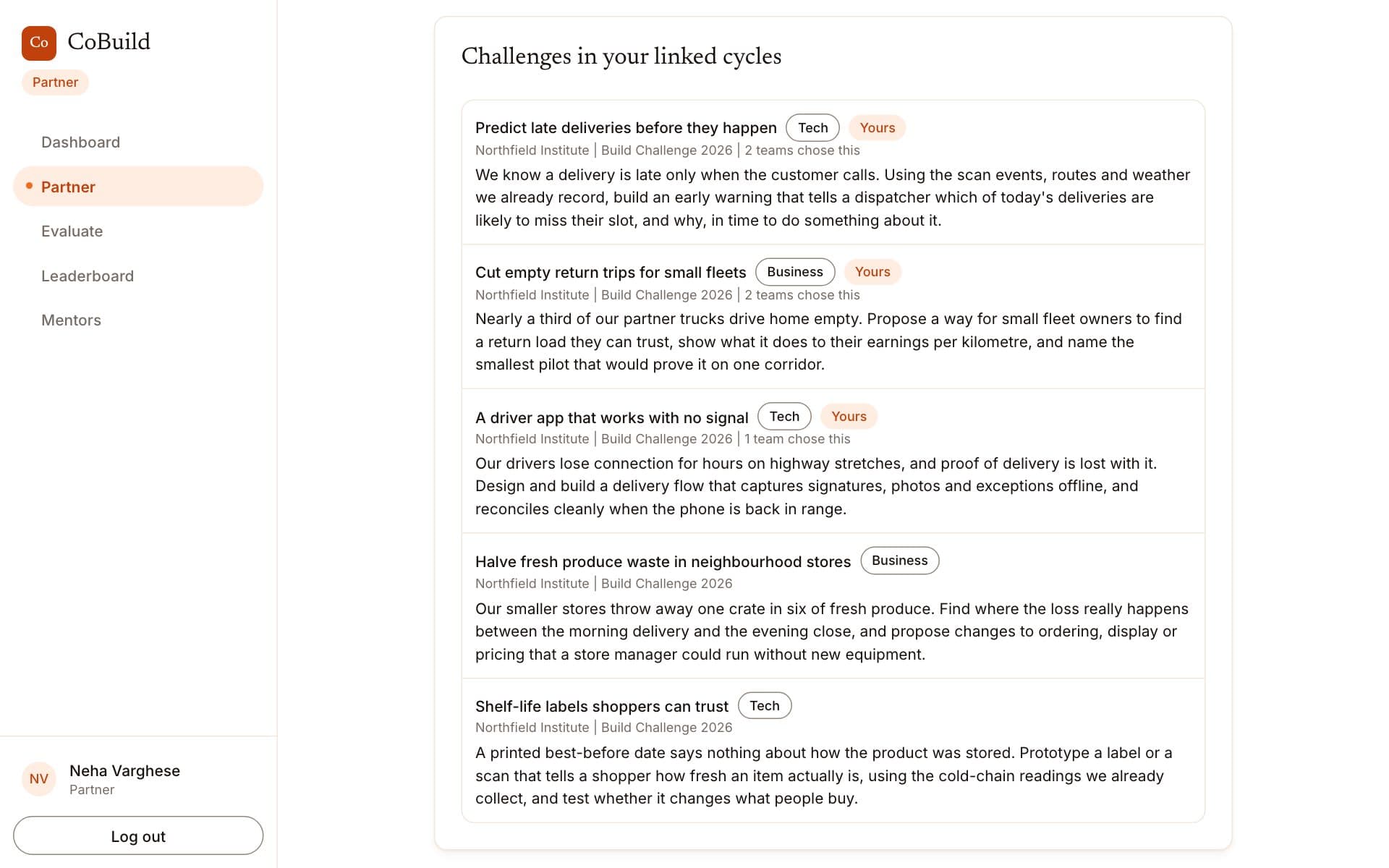
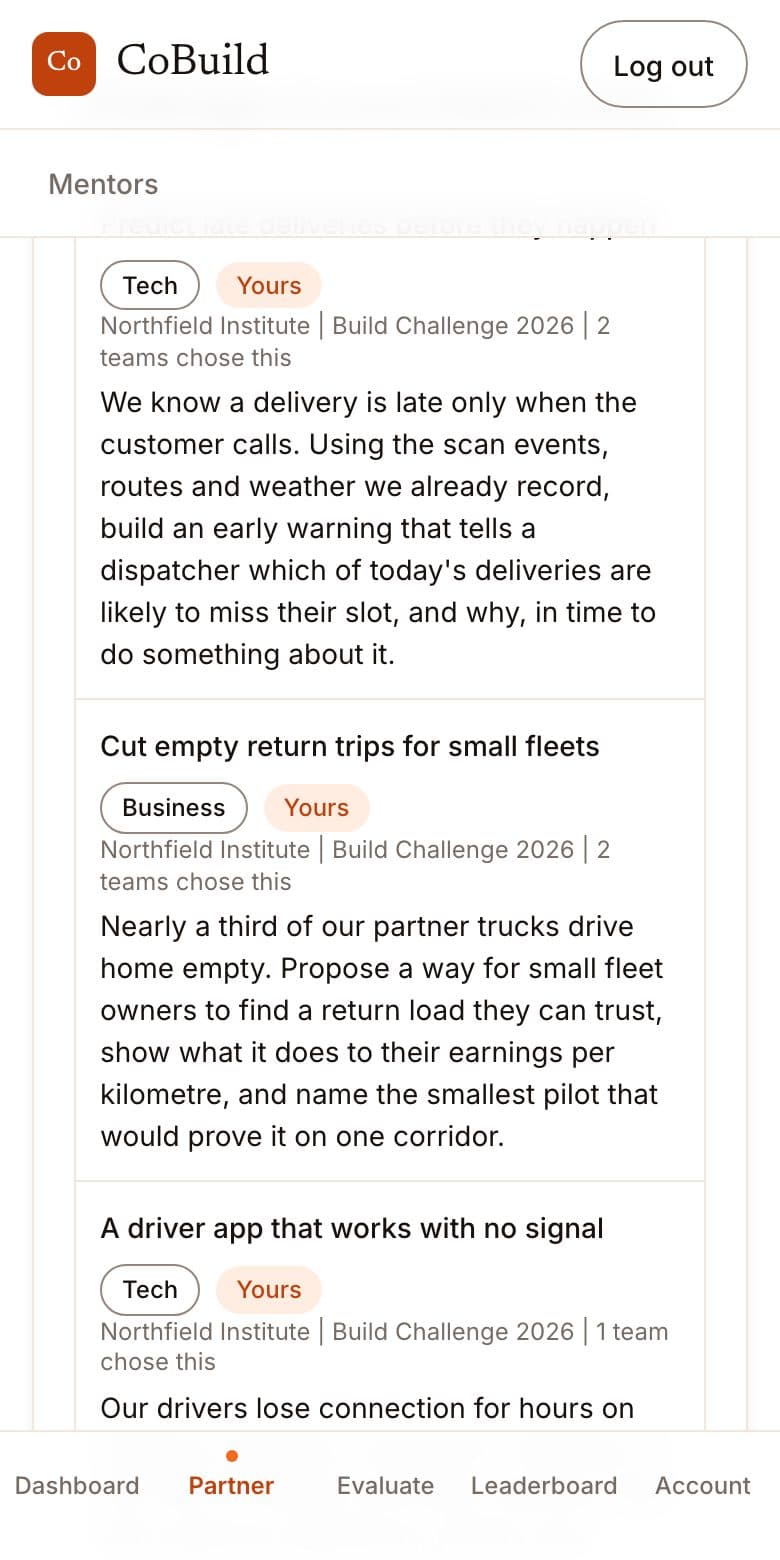
Your challenges
Post a question you actually have, and see how many teams take it up.
02
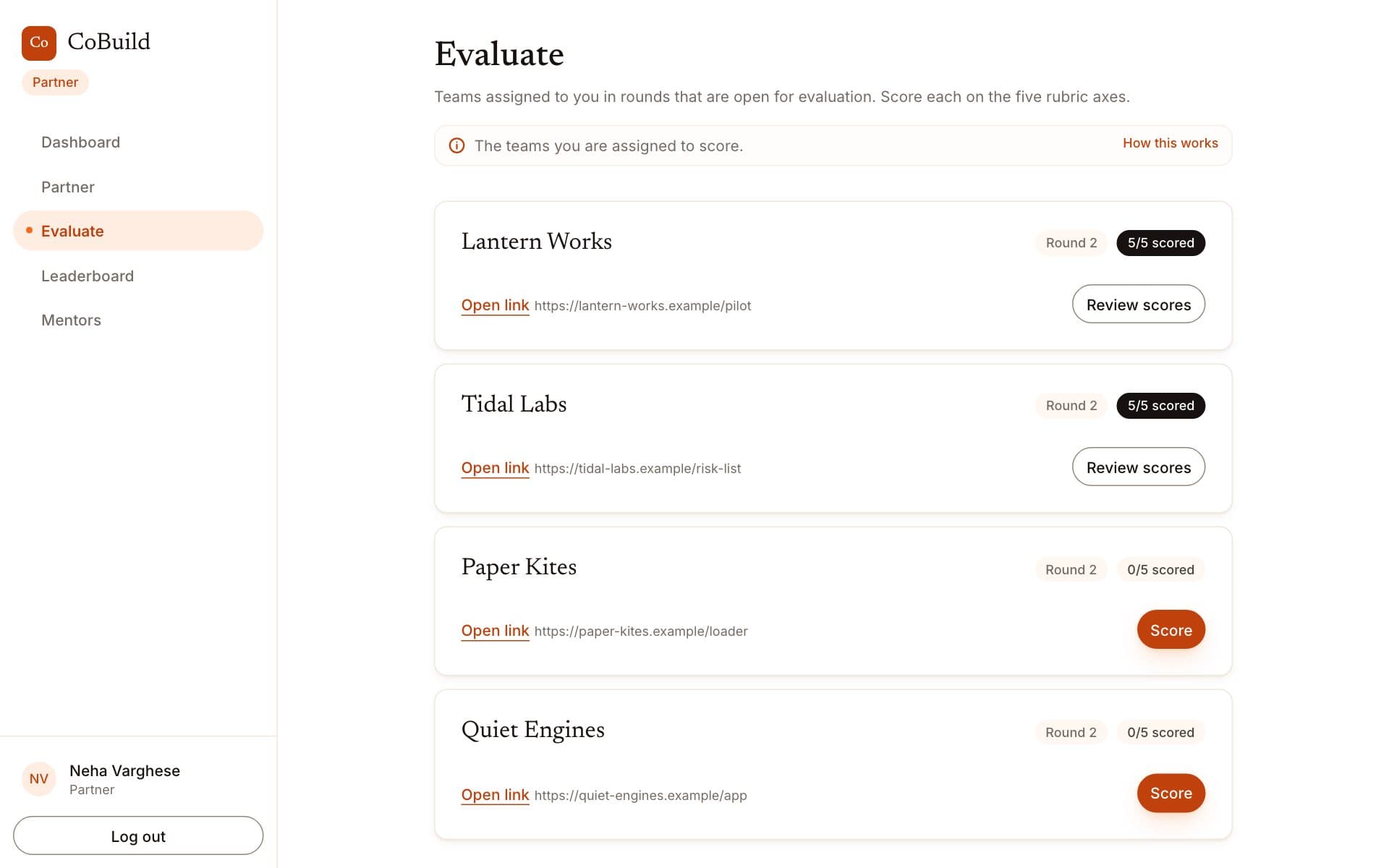
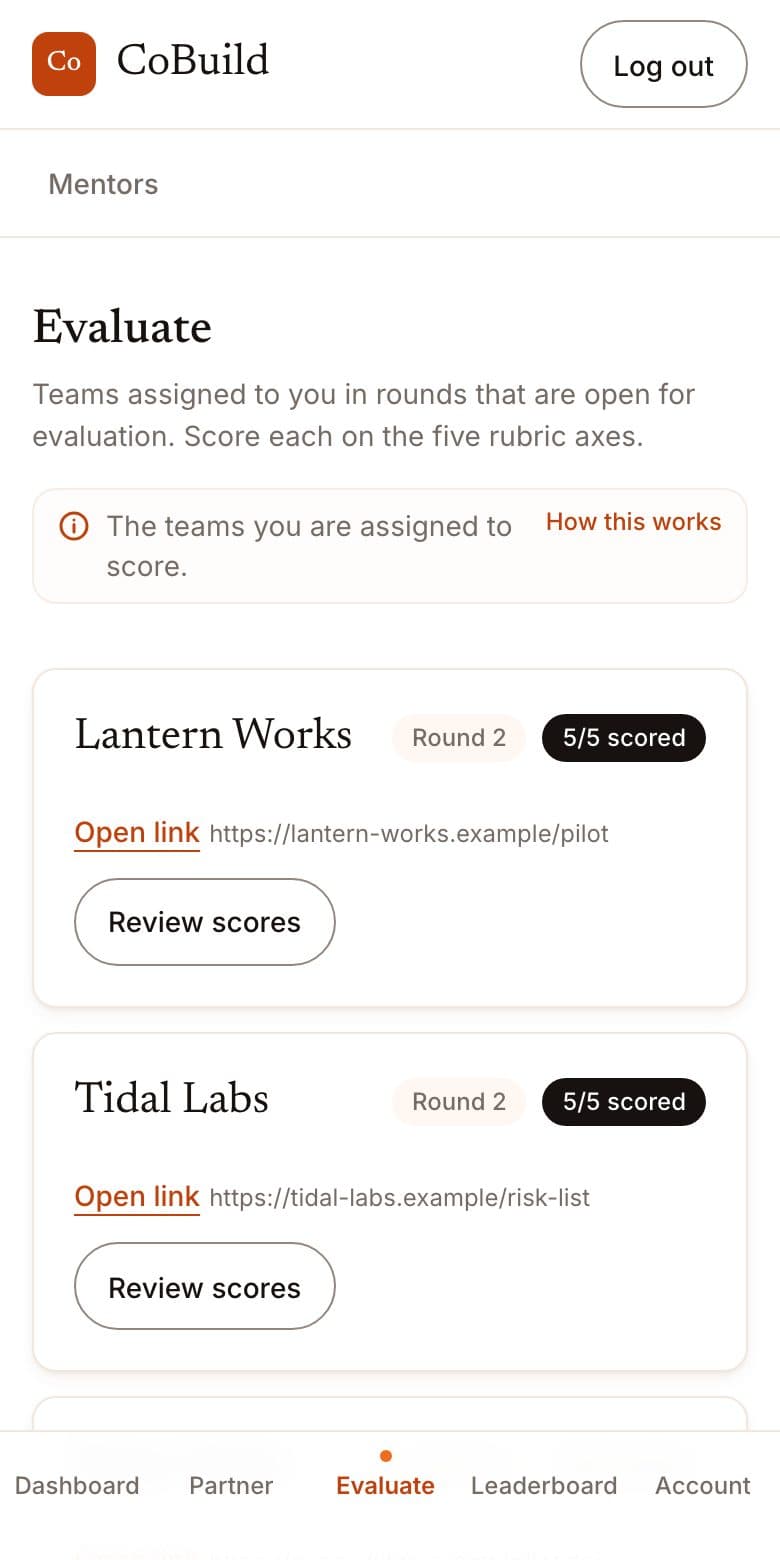
The teams on your challenges
When you are asked to assess, you get a short queue of the teams working on your own questions.
03
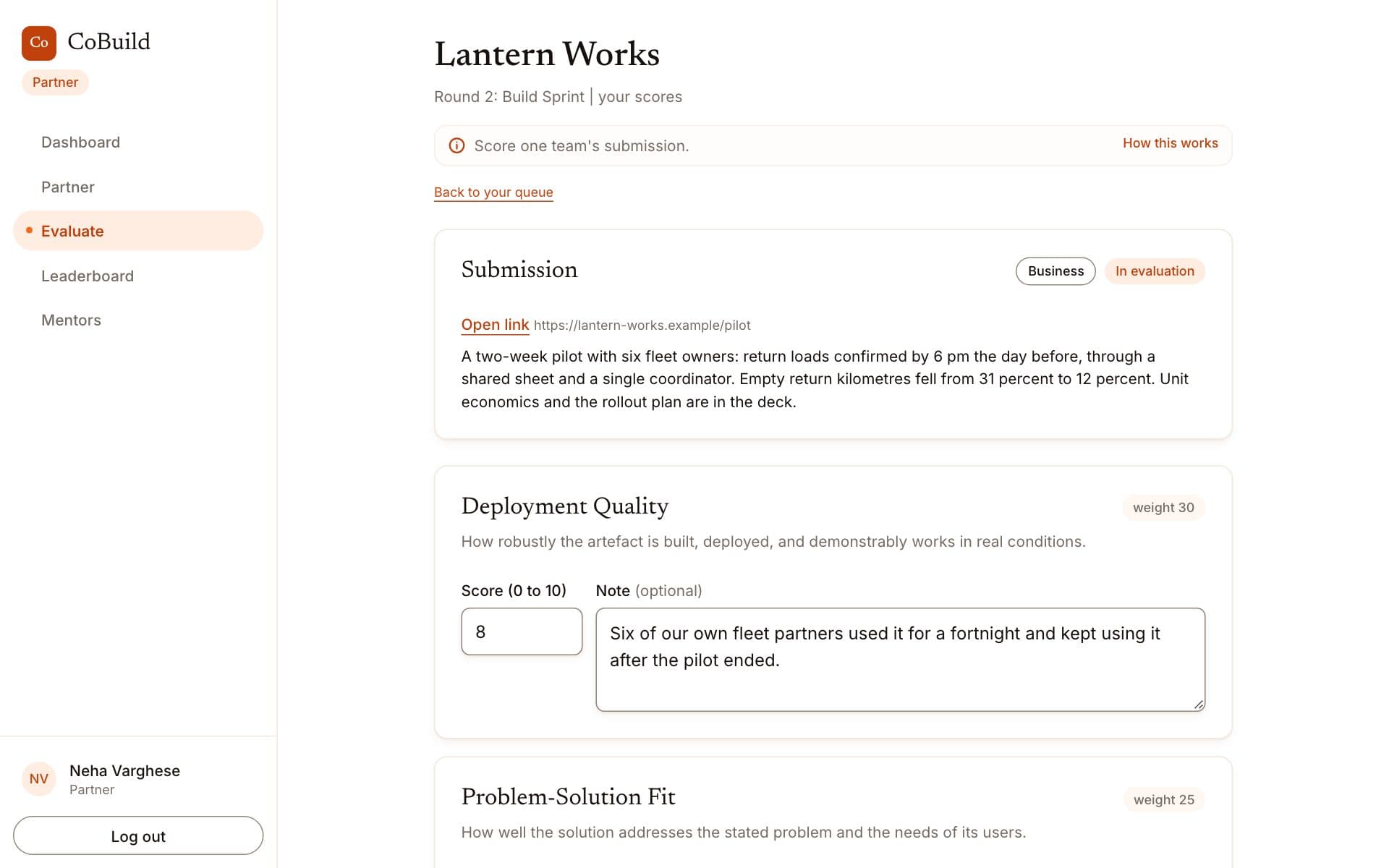
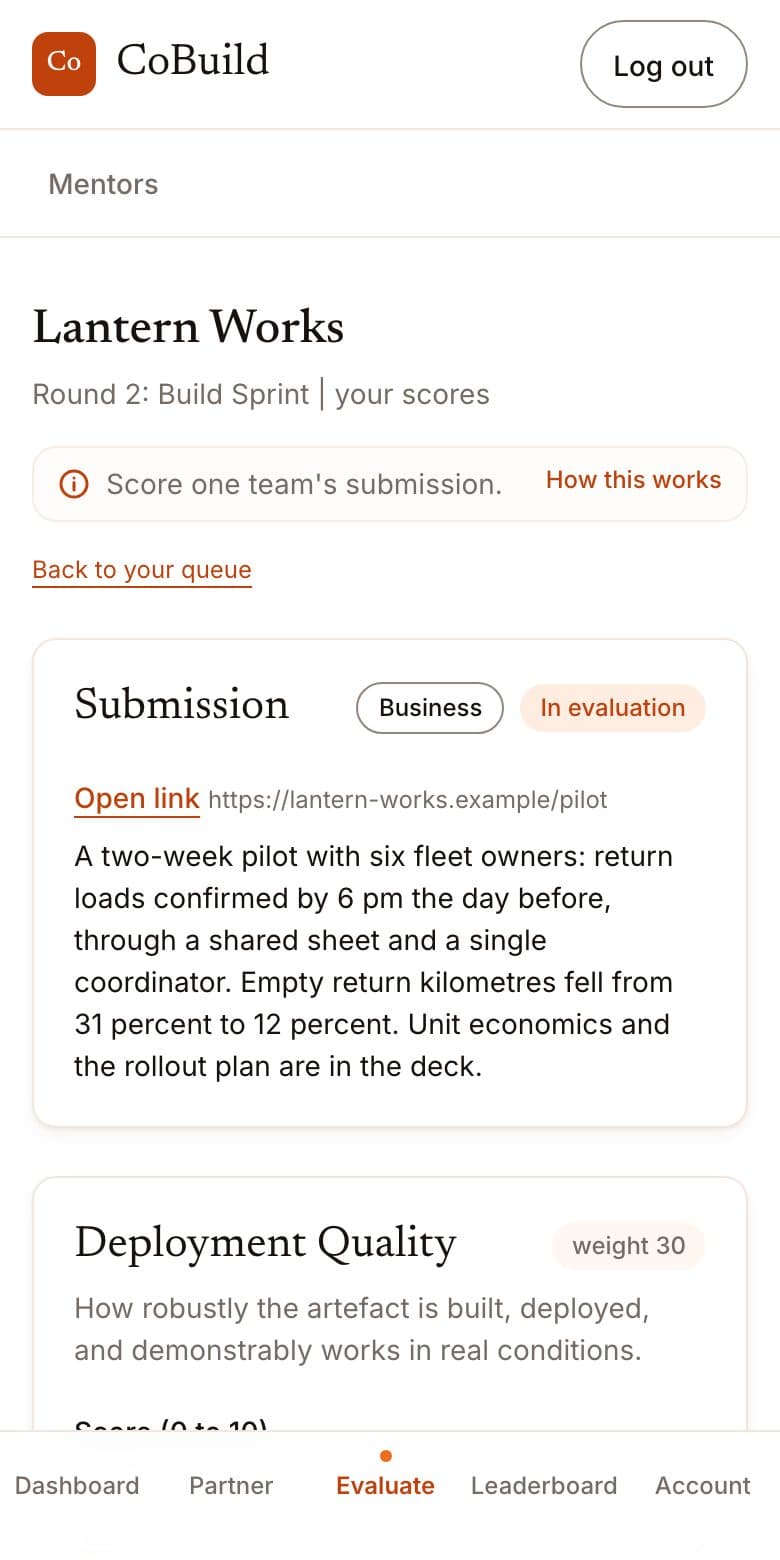
Read and score the work
Open a team's work and score it against a clear rubric, with a note on each criterion.
04
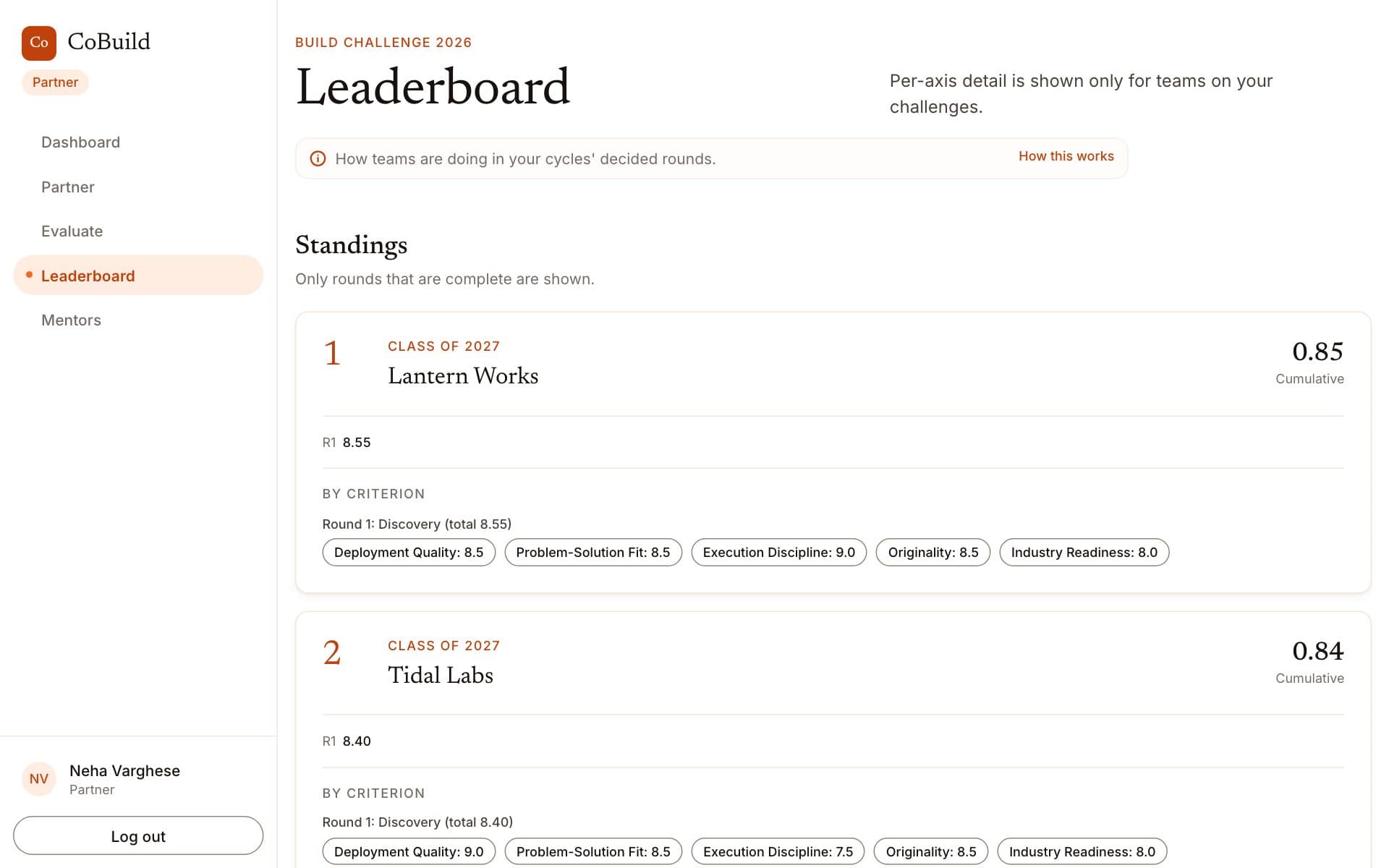
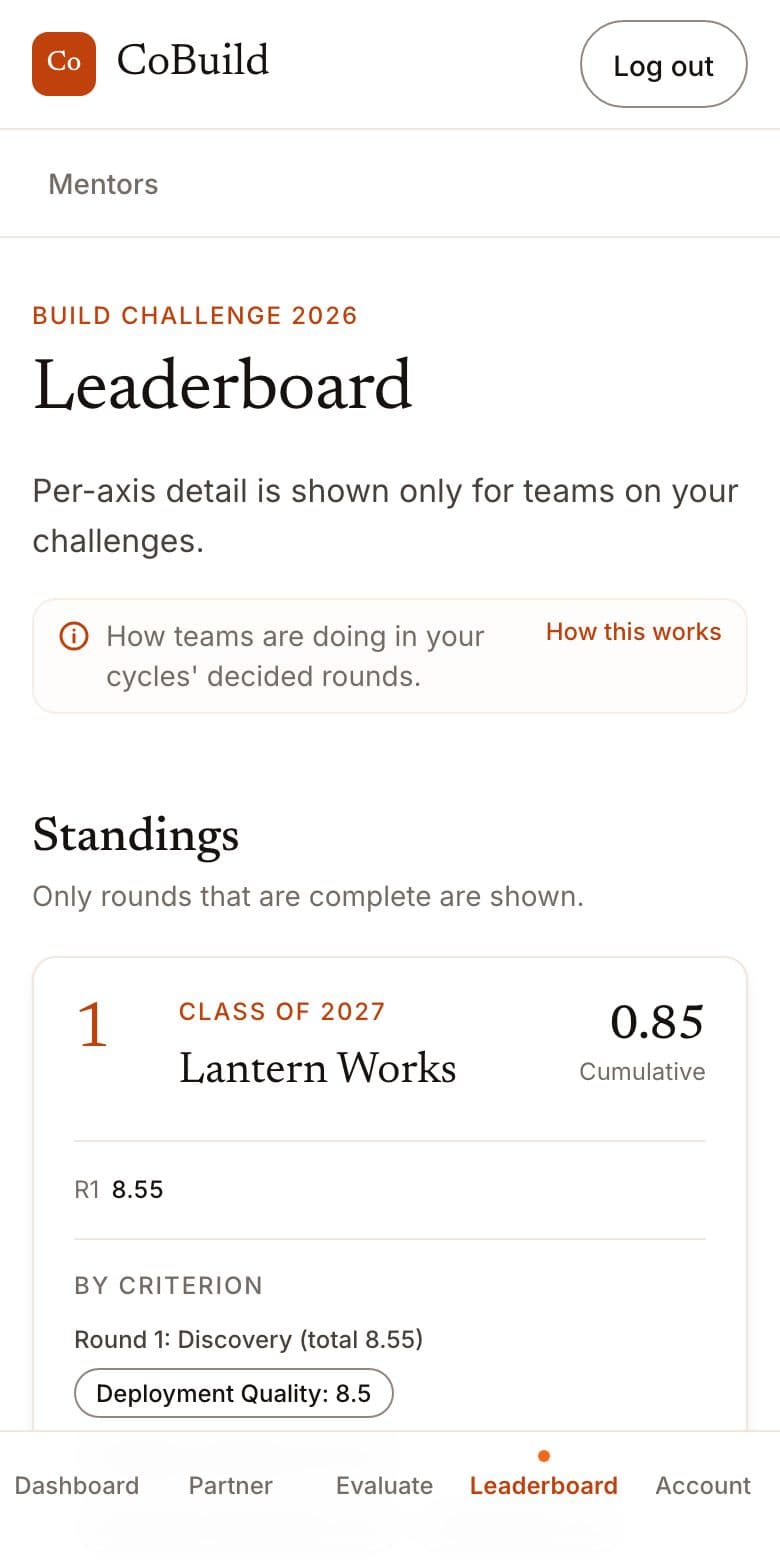
See who stood out
After a round is decided, see how the teams on your challenges ranked, criterion by criterion.
Worth knowing
What you see, and what you do not.
- Only your own challenges
- You see the work submitted on the challenges you posted, not on anybody else's.
- No contact details
- You are never shown a participant's email address or phone number.